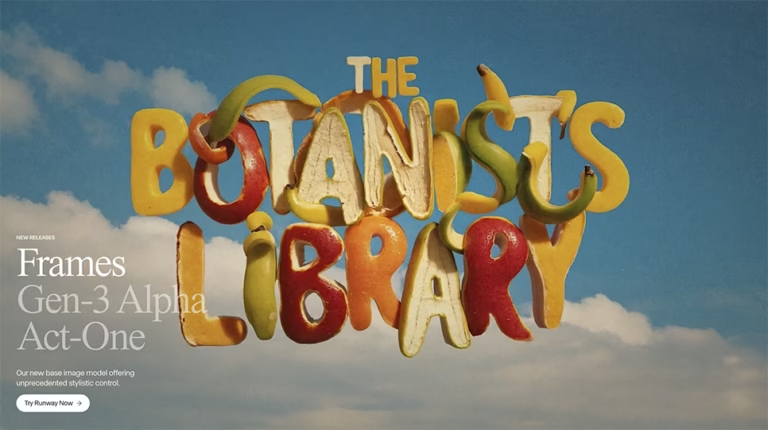

Artificial intelligence is transforming how we work, create and solve problems. From generating cinematic videos to designing graphics, writing articles and automating business tasks, AI tools are making creative and professional work more accessible.
But with so many options available, which AI tools are actually worth trying?
In this guide, we explore the 20 best AI tools in 2026, covering their key features, best use cases, and free and paid plans. Whether you’re a student, designer, content creator, marketer or business owner, this list will help you find the right tools for your needs.
Quick Comparison: Best AI Tools in 2026
| AI tool | Best for | Free plan |
|---|---|---|
| ChatGPT | Writing and everyday tasks | Yes |
| Claude | Writing and document analysis | Yes |
| Google Gemini | Research and productivity | Yes |
| Perplexity | Web research | Yes |
| Kling AI | AI video generation | Limited access; check current terms |
| Higgsfield | AI video and image creation | Limited access; check current terms |
| Google Veo | Cinematic AI videos | Access varies |
| Midjourney | AI image generation | Generally paid |
| Adobe Firefly | Image creation and editing | Limited access |
| Ideogram | Posters and text-based graphics | Limited access |
| Grok | AI image and video creation | Available with usage limits. |
| Leonardo AI | Illustrations and concept art | Limited access |
| ElevenLabs | AI voiceovers | Limited access |
| Suno | AI music generation | Limited access |
| HeyGen | AI avatar videos | Limited access |
| NotebookLM | Research and document summaries | Yes |
| Gamma | AI presentations | Limited access |
| Cursor | AI coding | Limited access |
| Lovable | Website and app creation | Limited access |
| Zapier | Workflow automation | Limited access |
Free-plan limits and paid features can change. Check the official websites for current pricing, usage limits and commercial-use terms.
1. ChatGPT — Best AI Assistant
ChatGPT is an all-purpose AI assistant for writing, brainstorming, research, data analysis and creative work. It can help draft articles, explain complex topics, generate ideas and support image-related tasks.
- Best for: Students, professionals, bloggers and businesses.
- Free plan: Available with usage limits.
- Paid plans: Offer expanded access to selected models and features.
2. Claude — Best for Writing and Long Documents
Claude is an AI assistant developed by Anthropic. It is useful for long-form writing, editing, document analysis, coding and working with complex instructions.
- Best for: Writers, editors, researchers and developers.
- Free plan: Available with usage limits.
- Paid plans: Pro and higher-tier options offer additional usage and capabilities.
3. Google Gemini — Best for Google’s AI Ecosystem
Google Gemini supports writing, research, brainstorming and multimodal tasks. Its integration with Google’s ecosystem makes it useful for people working with services such as Gmail, Docs and Drive, where supported.
- Best for: Students, professionals and Google Workspace users.
- Free plan: Available.
- Paid plans: Google AI subscriptions offer higher limits and additional features.
4. Perplexity — Best for AI-Powered Research
Perplexity combines AI-generated answers with web research and source links. It helps users explore topics, discover references and investigate questions without manually opening every search result.
- Best for: Researchers, students, bloggers and journalists.
- Free plan: Available with limits.
- Paid plans: Offer additional research features and usage.
5. Kling AI — Best for AI Video Generation
Kling AI generates videos from text prompts and images. It is useful for animating still images, creating cinematic scenes and developing short-form video content.
Creators can experiment with camera movement, subject actions and visual storytelling without a traditional filming setup.
- Best for: Video creators, advertisers and filmmakers.
- Free plan: Check current access and credit allowances.
- Paid plans: Provide additional credits or generation capabilities.
6. Higgsfield — Best for AI Video and Image Creation
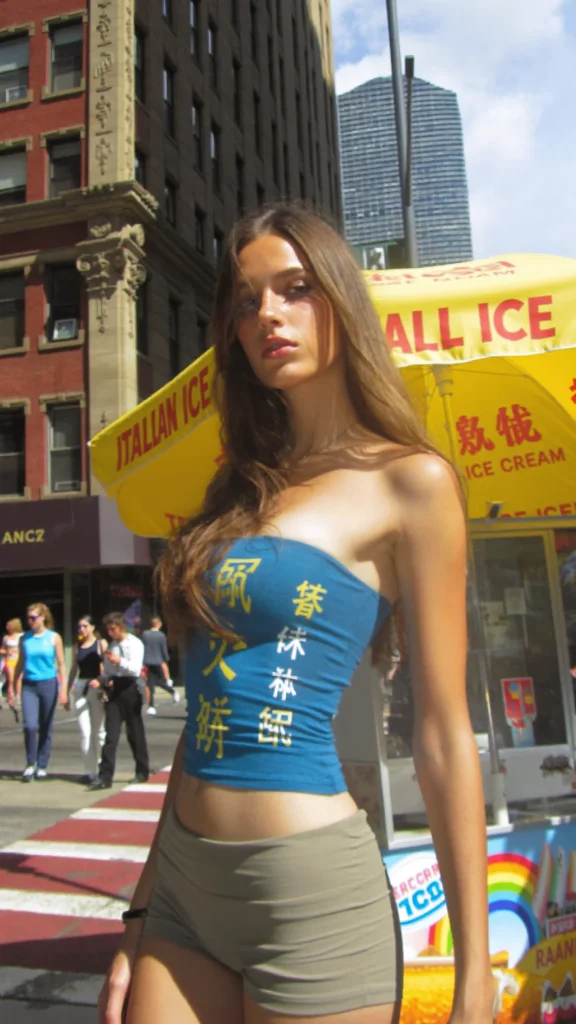
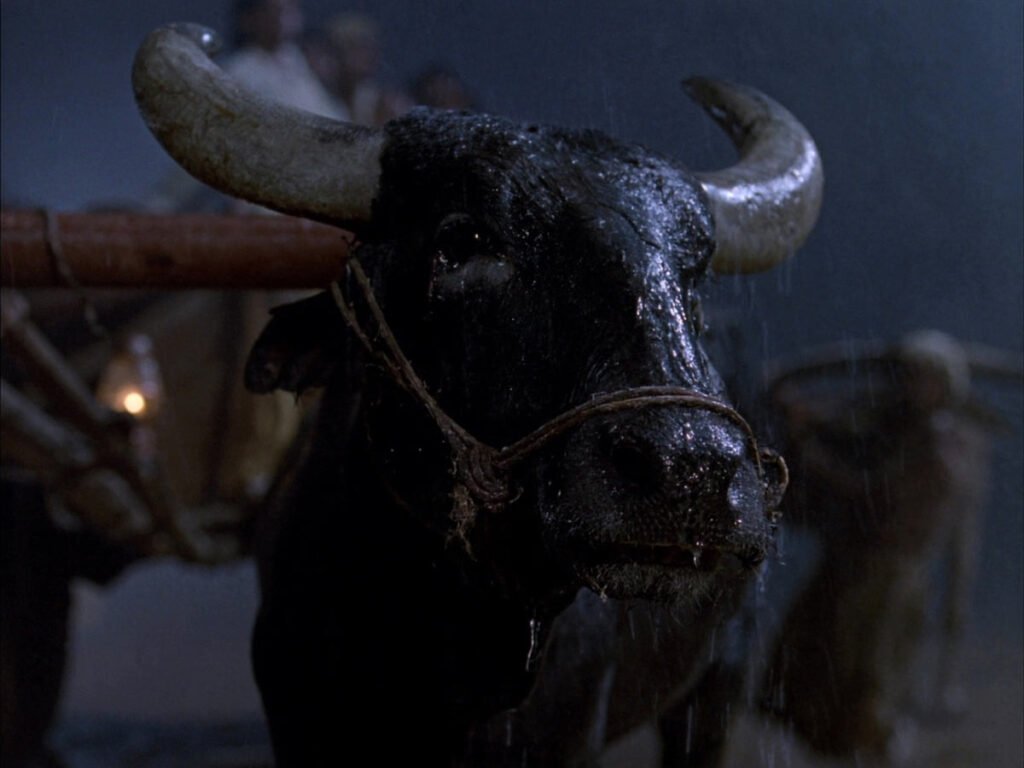
Higgsfield AI is a creative AI platform that brings together video generation, image creation and specialised visual workflows. It offers access to multiple AI models, including models from the Kling and Seedance families, depending on the plan and current availability.
Its tools can support cinematic scenes, product advertisements, fashion visuals and social media content.


- Best for: Designers, filmmakers, advertisers and content creators.
- Free access: Limited exploration is available; features vary.
- Paid plans: Offer credit allowances and access to additional models and capabilities.
7. Google Veo — Best for Cinematic AI Videos
Google Veo is a family of generative video models designed to create videos from prompts and supported visual inputs. It is useful for creating cinematic scenes, exploring creative concepts and developing AI-assisted visual stories.
Availability and features depend on the model and Google product you use.
- Best for: Filmmakers, marketers and video creators.
- Free access: Depends on the product, region and current offer.
- Paid plans: Eligible Google AI subscriptions may provide access and additional usage.
8. Midjourney — Best for Artistic AI Images
Midjourney generates images from text prompts and reference material. It is popular for concept art, moodboards, editorial visuals and creative exploration.
It is particularly useful for developing visual directions before producing final designs in professional graphics software.
- Best for: Designers, illustrators and art directors.
- Free plan: Generally unavailable as a standard offering; check current access.
- Paid plans: Required for regular use.
9. Adobe Firefly — Best for AI Image Editing
Adobe Firefly offers AI image generation and editing features for creative workflows. Designers can use it to create visual assets, extend images, remove objects and explore campaign concepts.
Its integration with Adobe’s creative ecosystem makes it useful for professional design work.
- Best for: Graphic designers, photographers and marketing teams.
- Free plan: Limited access may be available.
- Paid plans: Provide additional generative credits and features.
10. Ideogram — Best for Posters and Typography-Led Graphics
Ideogram is an image-generation tool for creating posters, promotional graphics and designs featuring prominent text.
It helps develop headline-led visual concepts, although spelling and typography should always be checked before publication.
- Best for: Poster designers, marketers and social media creators.
- Free plan: Limited access may be available.
- Paid plans: Offer additional generations and features.
11.Grok — AI image and video creation, research and content generation.
Grok is an AI assistant developed by xAI that helps users answer questions, write content, research topics and analyse information. It also offers real-time web and X search, along with AI image and video generation features.
Grok is useful for exploring ideas, following current discussions and creating content for different digital platforms.

- Best for: Researchers, content creators, professionals and AI enthusiasts.
- Free plan: Available with usage limits.
- Paid plans: Offer higher usage limits and access to additional features.
Loved This?
Check Out These Related Reads
- Free Design Tools Every Beginner Should Try in 2025
- 25 Bold Fonts to Make Your Designs Stand Out – Free & Premium
- Top 40 Free Typography Fonts Every Designer Should Know
- The Ultimate List: 10 Free Design Resources for Designers – FiveElements
- The Psychology of Fonts: How Typography Shapes Brand Perception
12. Leonardo AI — Best for Illustrations and Concept Art
Leonardo AI supports image generation for illustrations, characters, game assets and visual concepts. It is useful for exploring different artistic styles and creating assets for digital projects.
- Best for: Illustrators, game designers and digital artists.
- Free plan: Limited access or tokens may be available.
- Paid plans: Offer higher usage limits and additional features.
13. ElevenLabs — Best for AI Voiceovers
ElevenLabs offers AI voice generation, narration and dubbing tools. It helps creators produce audio for videos, podcasts, explainers and multilingual content.
Review pronunciation and voice quality, and obtain permission before cloning another person’s voice.
- Best for: YouTubers, educators, podcasters and businesses.
- Free plan: Limited access is available.
- Paid plans: Provide additional usage and voice features.
14. Suno — Best for AI Music Generation
Suno generates music from text descriptions and supported inputs. Users can explore song ideas, musical styles and arrangements without starting with a traditional recording setup.
Check the applicable plan’s commercial-use terms before monetising generated music.
- Best for: Musicians, content creators and hobbyists.
- Free plan: Limited music generation is available.
- Paid plans: Offer additional generation capacity and plan-dependent usage rights.
15. HeyGen — Best for AI Avatar Videos
HeyGen helps users create videos featuring AI-generated presenters and avatars. Its supported features can include multilingual content and video dubbing.
It is useful for training materials, product explainers and presenter-led marketing videos.
- Best for: Businesses, educators and marketers.
- Free plan: Limited access may be available.
- Paid plans: Offer additional video creation and advanced features.
16. NotebookLM — Best for Research and Document Summaries
Gemini Notebook (formerly NotebookLM) is Google’s AI-powered research assistant that helps users analyse documents, ask questions about their contents and create summaries. It is useful for researching reports, organising study material and extracting insights from multiple sources.
Its source-grounded approach makes research easier, but important details should still be verified against the original sources.
- Best for: Students, researchers, teachers and writers.
- Free plan: Available with usage limits.
- Paid plans: Eligible Google AI subscriptions provide higher limits and additional features.
17. Gamma — Best for AI Presentations
Gamma turns ideas and written content into presentations and visual documents. It can help create a first draft of a pitch deck, report or lesson that you can edit and customise.
- Best for: Students, consultants, marketers and business teams.
- Free plan: Limited usage is available.
- Paid plans: Offer additional creation capacity and features.
18. Cursor — Best for AI-Assisted Coding
Cursor is an AI-powered code editor that helps developers write, understand and modify software. It can assist with code explanations, debugging and changes across a project.
AI-generated code still needs testing and security review.
- Best for: Developers, programmers and coding students.
- Free plan: Limited usage is available.
- Paid plans: Provide expanded model access and usage.
19. Lovable — Best for Building Websites and Apps
Lovable helps users build web applications through natural-language prompts. You can describe an idea, generate an initial interface and refine the result through further instructions.
It is useful for prototypes and early-stage product development, but production applications still require security and functionality checks.
- Best for: Entrepreneurs, product designers and developers.
- Free plan: Limited usage is available.
- Paid plans: Offer additional credits and capabilities.
20. Zapier — Best for Workflow Automation
Zapier connects supported apps to automate repetitive tasks. For example, you can create workflows that move information between forms, spreadsheets and business applications.
It helps reduce manual work and keep routine processes organised.
- Best for: Freelancers, marketers, operations teams and small businesses.
- Free plan: Limited automation is available.
- Paid plans: Provide higher task limits and additional features.
Which AI Tool Should You Choose?
The best AI tool depends on what you want to accomplish.
| Your goal | Recommended tools |
|---|---|
| Writing and brainstorming | ChatGPT, Claude |
| Web research | Perplexity, NotebookLM |
| AI video creation | Kling AI, Higgsfield, Google Veo, Grok |
| AI image generation | Midjourney, Adobe Firefly, Leonardo AI |
| Graphic design | Canva Magic Studio, Ideogram |
| Voiceovers and dubbing | ElevenLabs, HeyGen |
| AI music | Suno |
| Presentations | Gamma |
| Coding and app development | Cursor, Lovable |
| Workflow automation | Zapier |
Are Free AI Tools Enough?
For many beginners, free plans are a good starting point. They let you test a tool before paying for additional features.
Consider upgrading when you need higher usage limits, specific professional features or a more efficient workflow. Always compare pricing, credit allowances, commercial-use rights and privacy policies before subscribing.
Make AI Work for You
The best AI tools are those that solve real problems and fit your workflow. You do not need every subscription to benefit from AI.
Start with a general assistant, add specialised tools for your main tasks, and upgrade only when the extra features provide clear value.
For designers and content creators, tools such as Higgsfield, Kling AI, Adobe Firefly and Canva can support different stages of visual production. For research and productivity, ChatGPT, Perplexity and NotebookLM are useful starting points.
A Quick Reminder: Always check the original sources before relying on important claims.
Share
Frequently Asked Questions (FAQs)
What are the best AI tools in 2026?
ChatGPT, Claude, Gemini, Perplexity, Kling AI, Higgsfield, Midjourney and Adobe Firefly are worth exploring for different tasks. The right choice depends on your goals and budget.
Which AI tools offer free plans?
ChatGPT, Claude, Gemini, Perplexity and NotebookLM offer free access. Several creative platforms also provide limited plans or credits, although availability and restrictions vary.
What is the difference between Kling AI and Higgsfield?
Kling AI is a video-generation platform, while Higgsfield brings together multiple image and video models and specialised creative workflows. Higgsfield may suit creators who want to explore different models in one workspace.
Which AI tools are best for graphic designers?
Adobe Firefly, Midjourney, Ideogram, Canva Magic Studio and Leonardo AI are useful for image generation, editing, posters, illustrations and visual concept development.
Can AI tools replace human creativity?
AI can speed up research, generate ideas and automate repetitive tasks. Human judgement remains essential for originality, strategy, brand consistency and quality control.
Can AI-generated content be used commercially?
It depends on the tool, plan, model and applicable terms. Review commercial-use permissions and any copyright, trademark or likeness restrictions before using generated content for business.